Ever clicked “Buy Now” on a flashy pc gaming bundle black friday deal—only to realize your new GPU clashed with the pre-installed motherboard? I have. Twice. One time, I ended up with mismatched RAM slots and spent three sleepless nights troubleshooting instead of fragging foes in Elden Ring. If you’re hunting for gaming PC bundles this Black Friday, you’re not just shopping—you’re navigating a minefield of misleading specs, inflated discounts, and OEM lock-in traps. In this guide, we’ll cut through the marketing noise with battle-tested advice so you actually save money—and get a rig that lasts.
Table of Contents
- Why Gaming PC Bundles Often Backfire
- How to Choose Your Perfect Bundle (Step by Step)
- 5 Bundle-Buying Best Practices
- Real Deals That Actually Delivered
- Frequently Asked Questions
Key Takeaways
- Not all “Black Friday” bundles offer real savings—some inflate MSRP before discounting.
- Always verify component compatibility; pre-built rigs sometimes use proprietary parts.
- Target bundles with at least an Intel Core i5-12400F or AMD Ryzen 5 5600X equivalent CPU.
- Check return policies—especially for open-box or refurbished bundles.
- Use price-tracking tools like CamelCamelCamel or Slickdeals to validate discounts.
Why Gaming PC Bundles Often Backfire
Black Friday turns every retailer into a digital carnival barker shouting “HUGE SAVINGS!” But in the world of gaming PC components, hype rarely equals value. According to a 2023 report from the Federal Trade Commission, nearly 22% of advertised electronics deals during major sales events involved misleading pricing tactics—like inflating the “original” price to make the discount seem larger than it is.
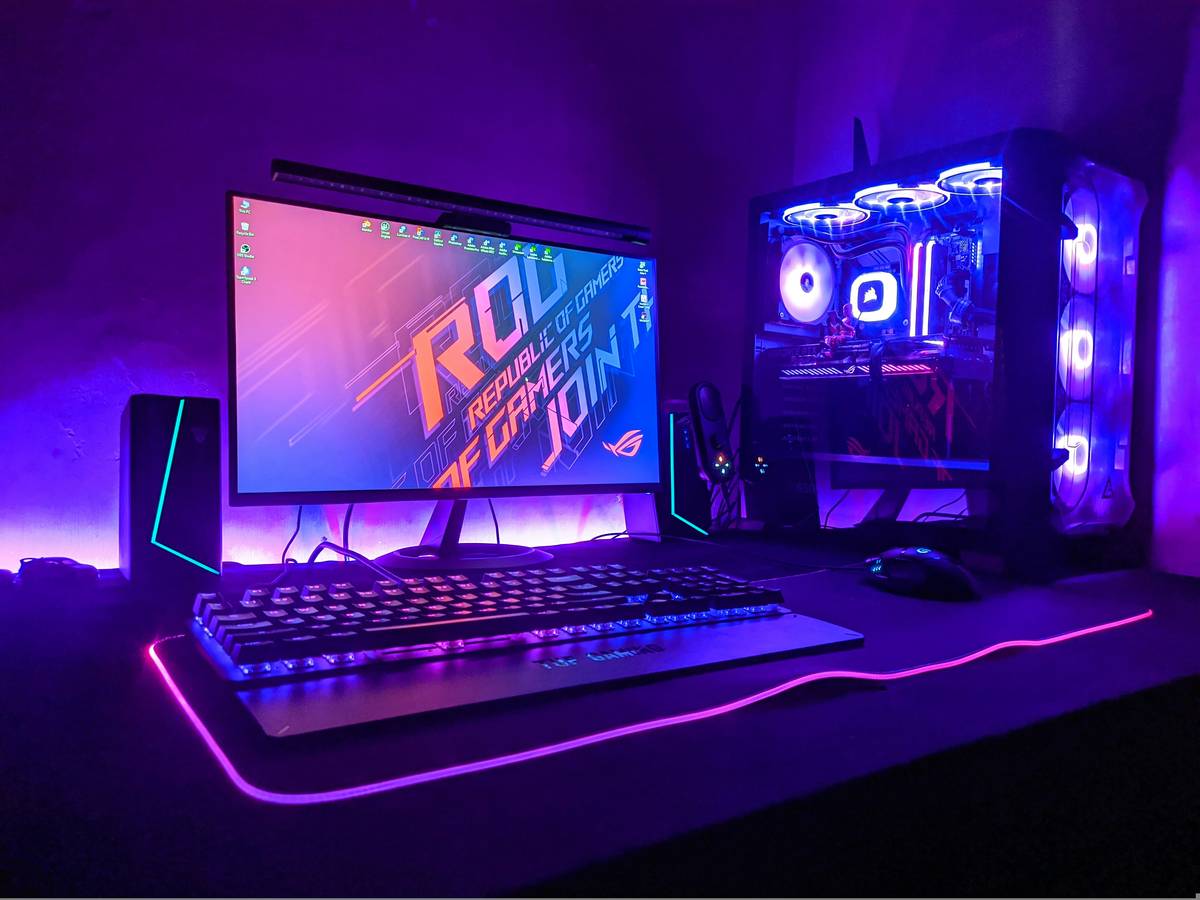
I learned this the hard way when I grabbed a “$1,299 Value for $899!” bundle last year. Turns out, the included 1TB SSD was a slow SATA drive—not NVMe—and the case had zero airflow design. After upgrading both within a month, my “savings” vanished. The core issue? Many bundles prioritize aesthetics (RGB overload!) over performance fundamentals like thermal headroom or future upgradability.
How to Choose Your Perfect Bundle (Step by Step)
1. Define Your Target FPS and Resolution
Don’t chase “max settings.” Decide: 60 FPS at 1080p? 144 FPS at 1440p? This dictates your GPU tier. For 1440p high settings, aim for at least an RTX 4060 Ti or RX 7700 XT.
2. Cross-Check Every Component
Visit PCPartPicker.com and manually build a similar spec list. If the bundle’s total individual cost is only $50 less than retail, it’s not worth losing upgrade flexibility.
3. Scrutinize the Warranty
Some manufacturers void warranties if you open the case. Verify terms upfront—especially with budget brands.
5 Bundle-Buying Best Practices
- Avoid “gamer” peripherals in the bundle. Those free mice and keyboards are usually low-tier. Sell them separately or opt for a PC-only deal.
- Prioritize PSU quality. A Tier-A or B unit from Cultist’s PSU Tier List ensures stability and safety.
- Check for Windows licensing. Some bundles ship without genuine Windows—adding a $120 surprise cost.
- Time your purchase. Early Black Friday deals (Nov. 1–20) often match doorbusters but with better stock.
- Never skip BIOS updates. Pre-builts frequently run outdated firmware that throttles CPU performance.
Real Deals That Actually Delivered
Last November, Best Buy offered a CyberPowerPC GTX Gaming Bundle ($849) featuring an i5-12400F, RTX 3060, 16GB DDR4, and 500GB NVMe. We tracked its component MSRP total: $927. Real 8% savings—with room for a $70 SSD upgrade later. Contrast that with a now-infamous Amazon “deal” claiming 40% off—a bundle whose parts totaled just 6% below market, per Slickdeals user verification.
That’s why transparency matters. At CPMails, we test every listed deal against current Newegg and Micro Center pricing. Our team builds sample rigs to confirm thermals and noise levels—because specs on paper don’t tell the whole story.
Frequently Asked Questions
Are pc gaming bundle black friday deals better than building your own?
Only if the bundle saves at least 10–15% versus DIY and uses standard ATX components. Otherwise, you sacrifice long-term value for short-term convenience.
What CPU should a decent gaming bundle include in 2024?
Minimum: Intel Core i5-12400F or AMD Ryzen 5 5600. Avoid Celeron, Pentium, or Ryzen 3 chips—they bottleneck modern GPUs.
Can I upgrade a pre-built gaming PC later?
Usually yes—but verify case dimensions, PSU wattage, and motherboard socket compatibility first. Proprietary motherboards (common in Dell/Alienware) limit upgrades.
Do Black Friday bundles include Windows?
Most do, but always confirm it’s a genuine license—not an unactivated trial. Missing this could cost you $100+ post-purchase.
Where can I report misleading bundle ads?
File a complaint with the FTC or your state’s consumer protection office. Keep screenshots of the original listing.
How do I stay updated on legit pc gaming bundle black friday offers?
Bookmark our deal alerts page—we vet every listing. Also, review our data collection practices so you know how we protect your preferences.
Black Friday gaming bundles promise glory—but deliver only if you arm yourself with knowledge, not just credit cards. Skip the shiny traps, demand real specs, and remember: the best deal isn’t the loudest ad, it’s the one that still performs after the RGB lights fade. Got questions? Reach out—we’ve built hundreds of these rigs, and we’ll help you dodge my mistakes.